It happens to everyone: you get a new SIM, someone asks for your number and your mind goes blank. If you are wondering how to check my own number, the good news is that every operator in Pakistan has a quick code. This guide lists the codes for Jazz, Zong, Telenor and Ufone, plus other easy methods if a code does not work.
How to check my own number: USSD codes by operator
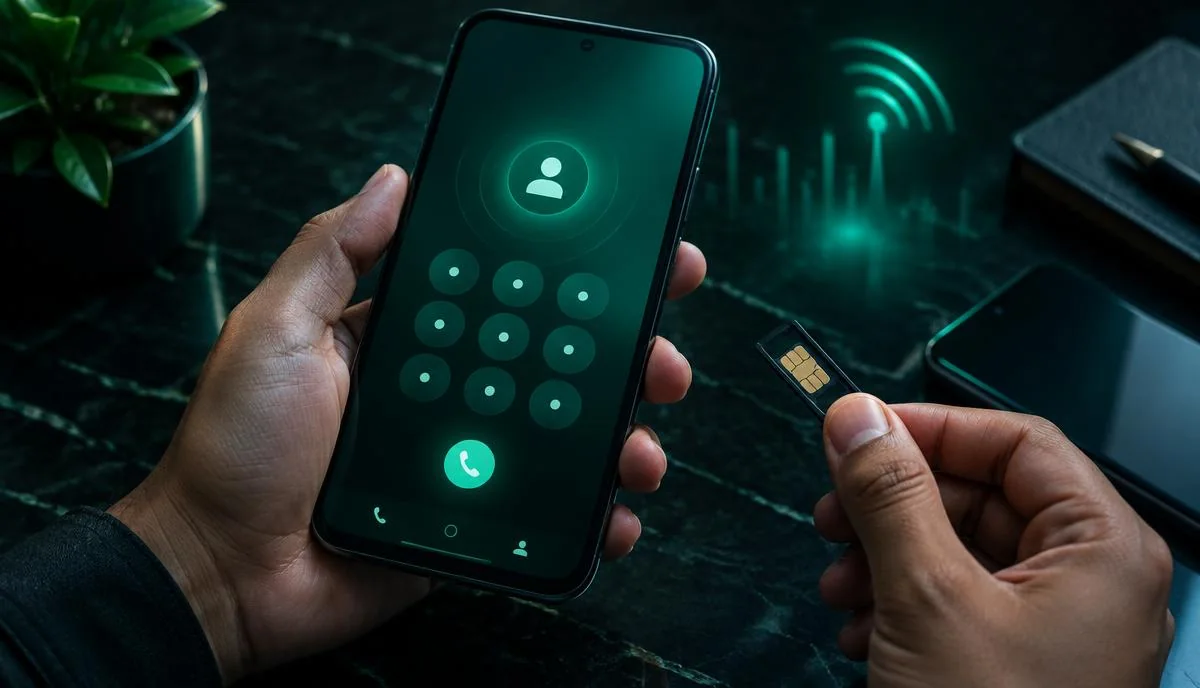
Dial the code from the SIM whose number you want to know. The number appears on your screen or arrives by SMS within seconds.
| Operator | Dial this code | Helpline | Official app |
|---|---|---|---|
| Jazz | *99# | 111 | Jazz World |
| Zong | *8# | 310 | My Zong |
| Telenor | *8888# | 345 | My Telenor |
| Ufone | *780*3# | 333 | My Ufone |
Operators sometimes update codes and charges. If a code does not work, try the app or helpline methods below. For more network-specific help, see our Jazz, Zong, Telenor and Ufone guides.
Step-by-step: checking your Jazz number
- Open the phone dialer.
- Dial *99# and press call.
- Your Jazz number appears on the screen.
Step-by-step: checking your Zong number
- Dial *8# from your Zong SIM.
- You receive your number on screen or by SMS.
Step-by-step: checking your Telenor and Ufone numbers
For Telenor, dial *8888#. For Ufone, dial *780*3#. In both cases, the number shows on screen or comes by SMS.
Other ways to check my own number
Use the official app
Install Jazz World, My Zong, My Telenor or My Ufone from the Play Store or App Store. After you log in with your SIM, your number is shown on the home screen. These apps also show balance, packages and bills.
Check phone settings
On many Android phones, go to Settings → About phone → Status → SIM status. On iPhone, go to Settings → Phone → My Number. This does not work on every SIM, but it is worth a try.
Call a friend
The oldest trick still works: call or send an SMS to a friend and ask them to read your number.
Call your helpline
Call 111 (Jazz), 310 (Zong), 345 (Telenor) or 333 (Ufone). An agent or the automated system can tell you the number.
Dual-SIM phones
If your phone has two SIMs, make sure you dial the code from the correct SIM. Most phones ask which SIM to use when you call. Choose the one whose number you want.
Want to see all numbers on your CNIC?
The codes above show the number of the SIM inside your phone. To see how many SIMs are registered on your CNIC, send your CNIC to 668 or use cnic.sims.pk. Our guide on how to check SIMs on your CNIC explains both methods. If you find a SIM you do not recognise, block it right away.
Keep your number safe
- Never share one-time codes (OTPs) sent to your number.
- Be careful with apps that ask for permission to read your SMS.
- Only use official operator apps — see which SIM apps are safe.
Summary
If you are asking how to check my own number, just dial the code for your network: Jazz *99#, Zong *8#, Telenor *8888# or Ufone *780*3#. If that does not work, use the official app, phone settings or helpline. For more quick answers, visit our FAQs.
Quick recap to check my number on any network: the Jazz number check code, Zong number check code, Telenor number check code and Ufone number check code are all listed in the table above — each is a free USSD code.